- Gaming Desktops
- AI PCs
- Accessories
- Apparel
- Bay Devices
- Blank Media
- Bundle Deals
- Cables & Adapters
- Caddies & Dockers
- Cases
- Case Modding & Accessories
- Cooling Fans
- CPU Coolers
- CPUs
- Custom Water Cooling
- Desktop Computers
- EX-DEMO
- Flash Memory
- Gadgets
- Gaming Accessories
- Gaming Furniture
- Gift Vouchers & Merch
- Graphics Cards
- Hard Drives & SSDs
- Hard Drives & SSDs - External
- Headphones & Microphones
- Home Entertainment
- Hubs, KVMs & Port Expanders
- Keyboards
- Memory (RAM)
- Mice & Mousemats
- Monitors
- Motherboards
- Networking
- Network Storage
- Notebooks & Portable
- Notebook Bags & Accessories
- Optical Drives
- Power Protection
- Power Supplies
- Printers & Consumables
- Rack & Accessories
- Home Lab
- Simulation
- Smart Home
- Software
- Sound Cards
- Speakers
- Tools
- Custom UV Printing
- Virtual Reality
- Webcams
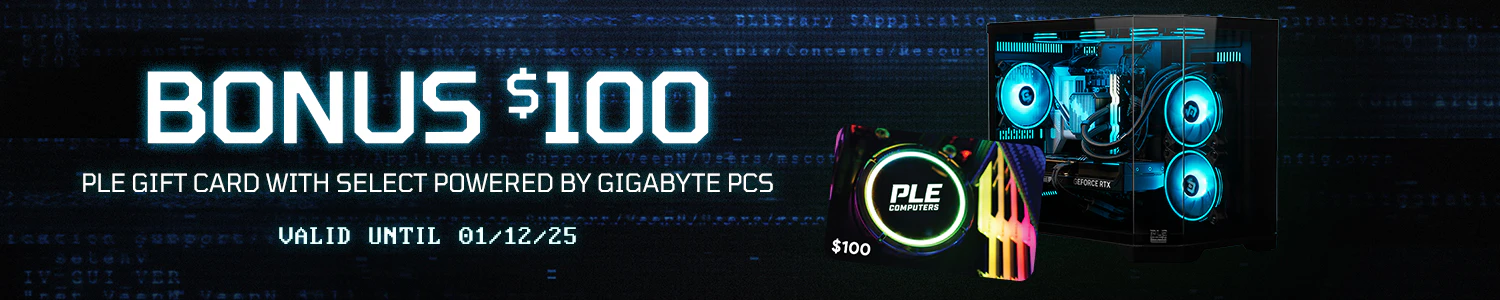
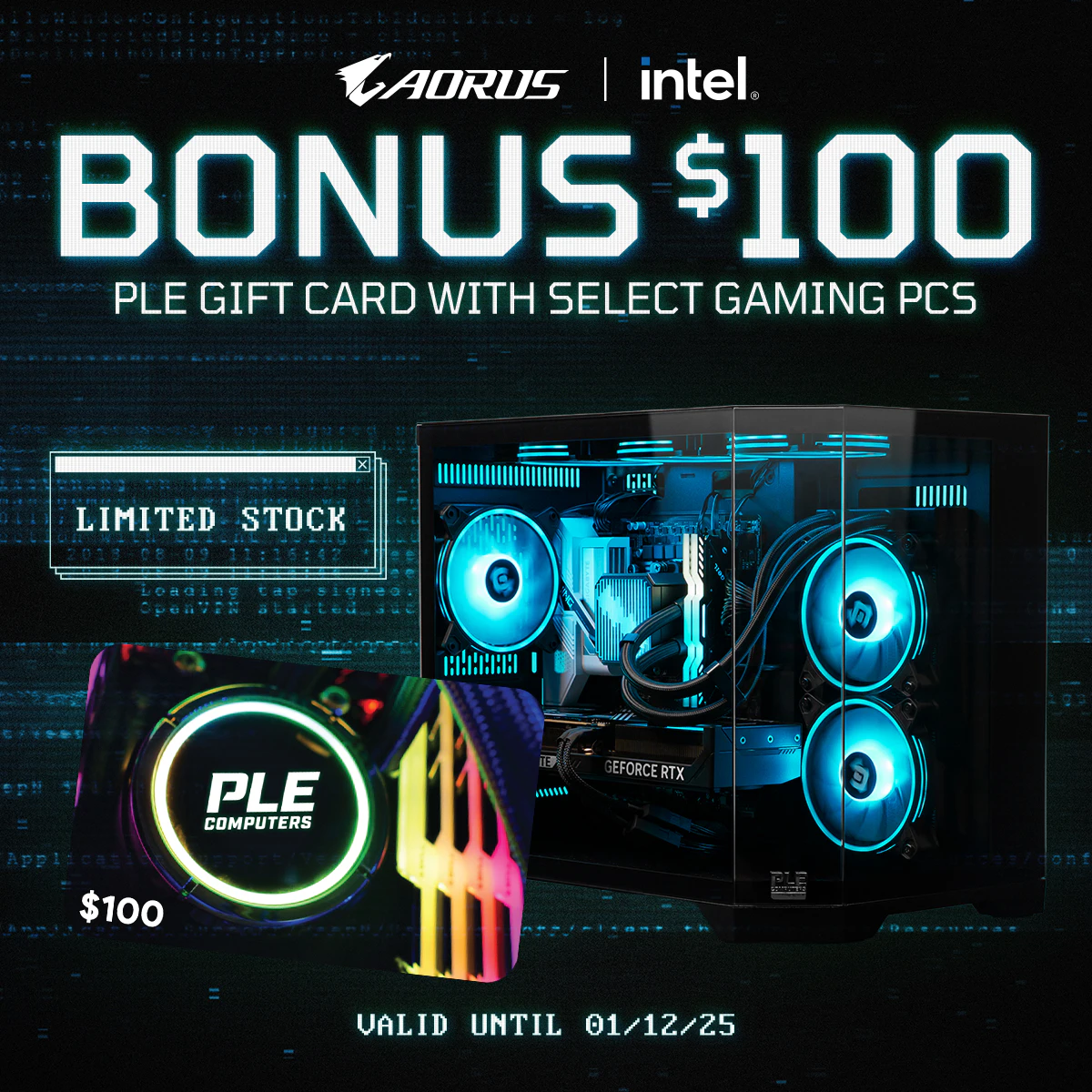
Get a $100 PLE Gift Card with purchase of Powered by Gigabyte Prebuilt Gaming PCs during our Cyber Weekend Sale.
Purchase Period: 12:00pm October 31, 2025 to 11:59pm December 01, 2025
Limited Offer while Supplies Last
Purchase either:
- An eligible Powered by Gigabyte Prebuilt Gaming PC
with PLE Computers during Cyber Weekend Sale (31/10/25 - 01/12/25).
Redeem the Gift Card provided by PLE Computers
here by October 31, 2025.
*Terms and conditions apply. Only one gift card per eligible order. Can not be combined with other promotions.
Step 1: Purchase and complete an order with an eligible Powered by Gigabyte Prebuilt Gaming PC from PLE Computers between 31st October to 1st December, 2025 or while supplies last.
Step 2: Head to
www.ple.com.au/MyPLE/Dashboard and login or create a PLE account.
Step 3: If your invoice has been completed using your PLE account you are logged in on, you can skip to step 5. If you have an eligible invoice/s that weren’t made using your PLE account you will have to tag these to your PLE account and then redeem your free games. If you are unsure which products are tagged to your account, you can go to
www.ple.com.au/MyPLE/History/Products and check.
Step 4: To tag an invoice to your PLE account, go to
www.ple.com.au/MyPLE/TagInvoice and follow the instructions.
Step 5: Head to
www.ple.com.au/MyPLE/Redeem and you will see your invoices that are eligible for redemption promotions. Press “Redeem” on the promotion you would like to redeem.
Step 6: If successful, you will be shown your Gift Card code.
Step 7: You can check your existing code redemptions at
www.ple.com.au/MyPLE/Redeem
Eligible Ready To Go PCs


All Rights Reserved. Copyright 1991-2023 PLE Computers Pty Ltd (ABN: 48 051 046 596). The PLE Computer Logo & Mouse Pointer in Circles are registered Trademarks of PLE Computers Pty Ltd. All other trademarks and copyrights are the property of their respective owners. For further information on terms of service & conditions please see Terms & Conditions. Ultrabook, Celeron, Celeron Inside, Core Inside, Intel, Intel Logo, Intel Atom, Intel Atom Inside, Intel Core, Intel Inside, Intel Inside Logo, Intel vPro, Itanium, Itanium Inside, Pentium, Pentium Inside, vPro Inside, Xeon, Xeon Phi, and Xeon Inside are trademarks of Intel Corporation in the U.S. and/or other countries.
This site is protected by reCAPTCHA and the Google
Privacy Policy and
Terms of Service apply.